Introduction
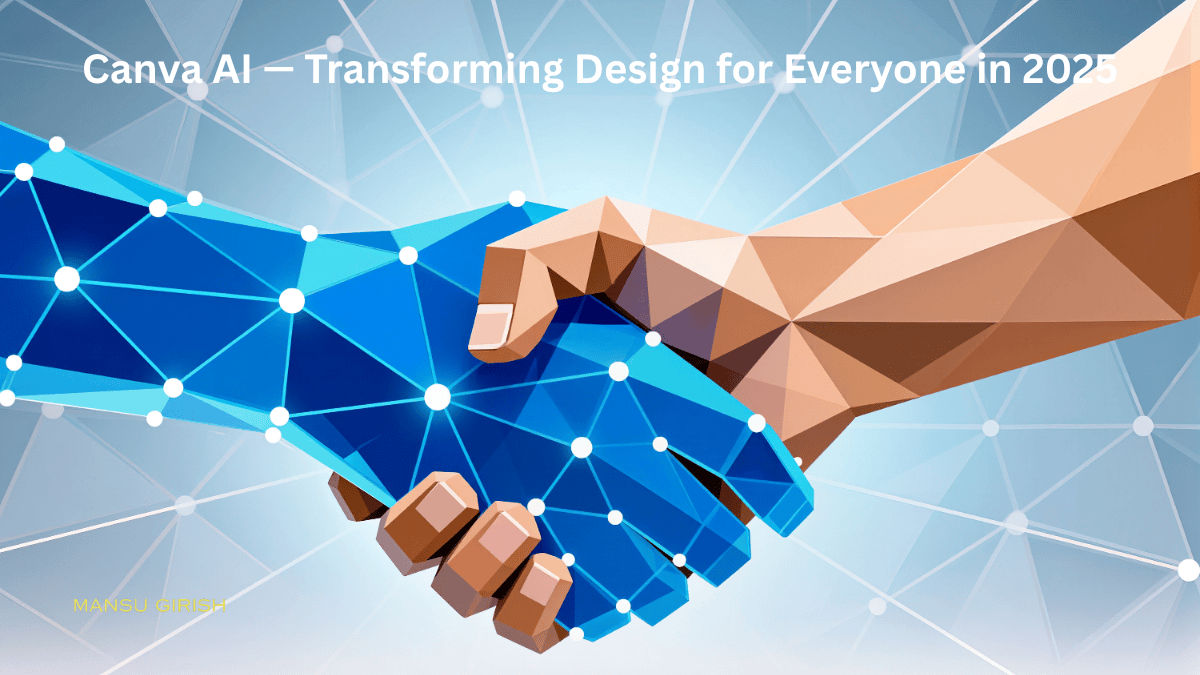
Canva has already changed the way individuals and businesses create graphics, videos, and social media content. But in 2025, Canva AI is taking design to the next level with powerful automation, generative tools, and intelligent suggestions that help users create stunning visuals faster than ever. Whether you’re a marketer, designer, content creator, or small business owner, Canva AI is becoming the go-to platform for smart, fast, and high-quality design.
1. What Is Canva AI?
Canva AI is a collection of artificial intelligence tools inside the Canva platform that help users generate, edit, and optimize designs automatically. From writing content to generating images, Canva has integrated AI deeply into its workflow.
Key features include:
Magic Write (AI writing)
Magic Media (Image & video generation)
Magic Eraser & Magic Edit
Instant Presentations
AI-powered resize & layout suggestions
Smart brand kit automation
2. Magic Write: AI Content Assistant
Magic Write helps users instantly generate text for:
Social media posts
Blog outlines
Video scripts
Ad copy
Captions
It also rewrites, expands, shortens, or changes tone—making it perfect for creators who need quick and polished content.
3. Magic Media: Generative AI Images & Videos
One of the most impressive features of Canva AI is Magic Media, which creates images and short video clips from simple prompts.
Why users love it:
High-quality AI images
Multiple styles (realistic, 3D, illustration, minimal)
Fast rendering
Useful for thumbnails, ads, and social media posts
4. Magic Edit & Magic Eraser
These tools allow users to edit images like a professional designer.
Magic Edit lets you:
Replace objects
Change backgrounds
Modify elements inside photos
Magic Eraser removes:
People
Objects
Text
Distractions
This makes Canva a serious alternative to Photoshop for most basic editing tasks.
5. Instant Presentations
With just a simple prompt, Canva AI automatically generates full presentation slides.
Features:
Auto layout and color combinations
Suggested content
Ready-to-present structure
Editable design blocks
Perfect for meetings, client pitches, and teaching.
6. Brand Kit & AI Automation
Canva AI analyzes your brand colors, fonts, and assets to recommend consistent designs every time.
AI helps with:
Brand-aligned templates
Auto-adjusted palettes
Font pairing suggestions
Automated resizing for different platforms
This allows brands to maintain consistent visual identity without needing a designer.
7. AI-Powered Video Editing
Canva’s latest update includes AI tools for video creation and editing.
Capabilities:
Auto subtitles
Scene suggestions
Script-to-video generation
Stock + AI media mixing
Easy timeline editing
Creators can now make reels, YouTube shorts, ads, and intro videos effortlessly.
8. Why Canva AI Is Important in 2025
Canva AI is not just a design tool—it’s becoming a full creative assistant that helps:
Reduce design time
Improve creativity
Automate repetitive tasks
Make high-quality visuals accessible to everyone
Businesses, freelancers, influencers, and agencies can scale their content production easily with Canva AI.
Conclusion
Canva AI is making design smarter, faster, and more accessible than ever. From generating images and writing content to editing videos and designing presentations, it is a game-changer for creators in 2025. Whether you’re a beginner or a professional, Canva AI offers everything you need to build stunning content in minutes.