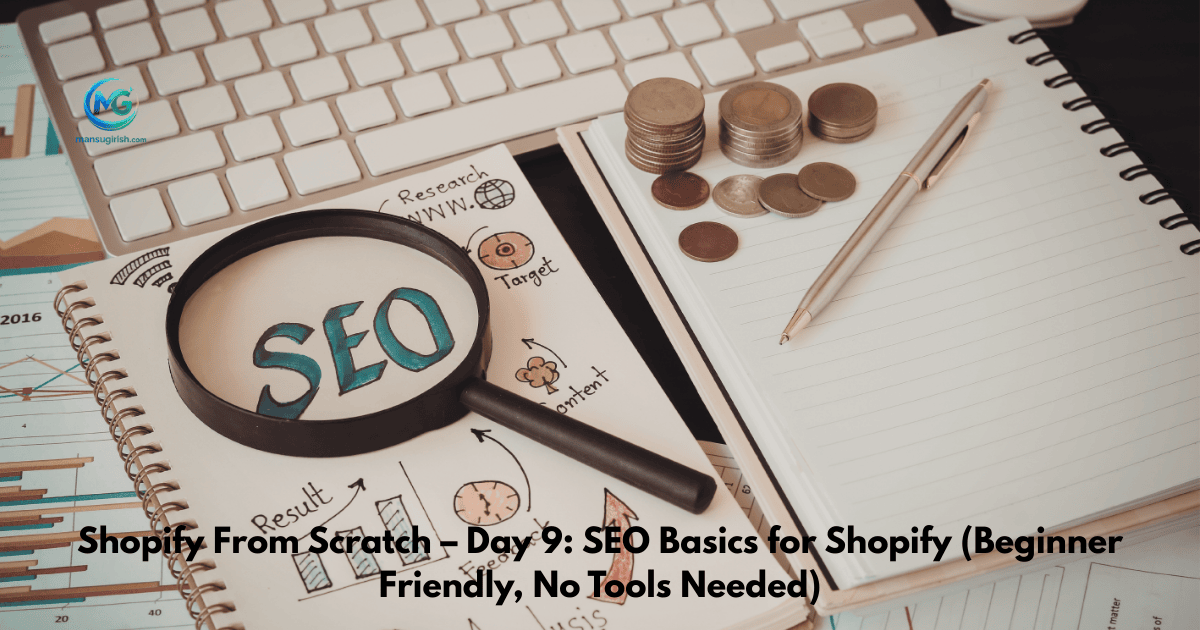
SEO sounds complicated to beginners.
Words like:
keywords
ranking
algorithms
Make people think they need tools, plugins, or technical skills.
Here’s the truth:
Good SEO starts with clarity, not tools.
Today is about learning the SEO basics that actually matter for a beginner Shopify store — without installing anything or paying for software.
What SEO Really Means (In Simple Words)
SEO means:
Helping search engines understand what your page is about so the right people can find it.
That’s it.
SEO is not:
tricks
keyword stuffing
hacks
Search engines want the same thing users want:
clear answers to clear problems.
Why SEO Is Important for Beginners
Ads stop when money stops.
SEO keeps working.
SEO helps you:
get consistent traffic
attract high-intent visitors
reduce dependency on ads
build long-term assets
You don’t need to “win Google.”
You just need to be clear.
The 3 SEO Basics Every Beginner Must Understand
1️⃣ One Page = One Main Idea
This is critical.
Each page should focus on:
ONE product
ONE topic
ONE clear intent
Bad SEO:
one page trying to rank for everything
Good SEO:
one page, one purpose
Your product page should talk about that product only.
2️⃣ Use Normal Human Language (Not Keywords)
Beginners often ask:
“How many keywords should I add?”
Wrong question.
Instead ask:
“Would a human understand this page easily?”
Use:
simple sentences
natural words
problem-solution language
Search engines are smart enough now.
Write for humans first.
3️⃣ Titles Matter More Than You Think
Your page title tells Google (and users):
“This is what this page is about.”
Example:
❌ Bad title:Home
✅ Good title:Adjustable Desk Organizer for Home & Office
Clear titles help:
ranking
click-through rate
understanding
Where to Add SEO in Shopify (Beginner Level)
In Shopify:
Open a product or page
Scroll to Search engine listing
Click Edit
You’ll see:
Page title
Meta description
URL handle
That’s enough for now.
How to Write a Beginner-Friendly SEO Title
Good SEO titles:
describe the product clearly
include the main phrase naturally
stay readable
Example:
Adjustable Desk Organizer – Organize Your Workspace Easily
No tricks.
Just clarity.
How to Write a Simple Meta Description
Meta description should:
explain what the page offers
encourage clicking
sound human
Example:
Keep your desk clean and organized with this adjustable desk organizer. Simple design, easy setup, and fast shipping.
Don’t overthink it.
Product Descriptions Also Help SEO
Your product description:
helps customers
helps search engines
Structure helps:
short paragraphs
bullet points
clear benefits
Avoid copying supplier text.
Original clarity always wins.
What Beginners Should NOT Do With SEO
❌ Don’t stuff keywords
❌ Don’t copy competitors blindly
❌ Don’t chase ranking overnight
❌ Don’t install random SEO apps
❌ Don’t rewrite everything daily
SEO works through consistency, not constant changes.
What Success Looks Like for Day 9
By the end of today:
✔ You understand what SEO really is
✔ You edit titles and descriptions confidently
✔ You stop fearing SEO
✔ You focus on clarity over tools
That’s a big win.
What’s Coming on Day 10
👉 Day 10: Content That Brings Traffic Without Ads (Beginner Friendly)
This is where SEO and content come together.
Final Thought
SEO is not about beating algorithms.
It’s about helping the right people find you.
Clarity today becomes traffic tomorrow.