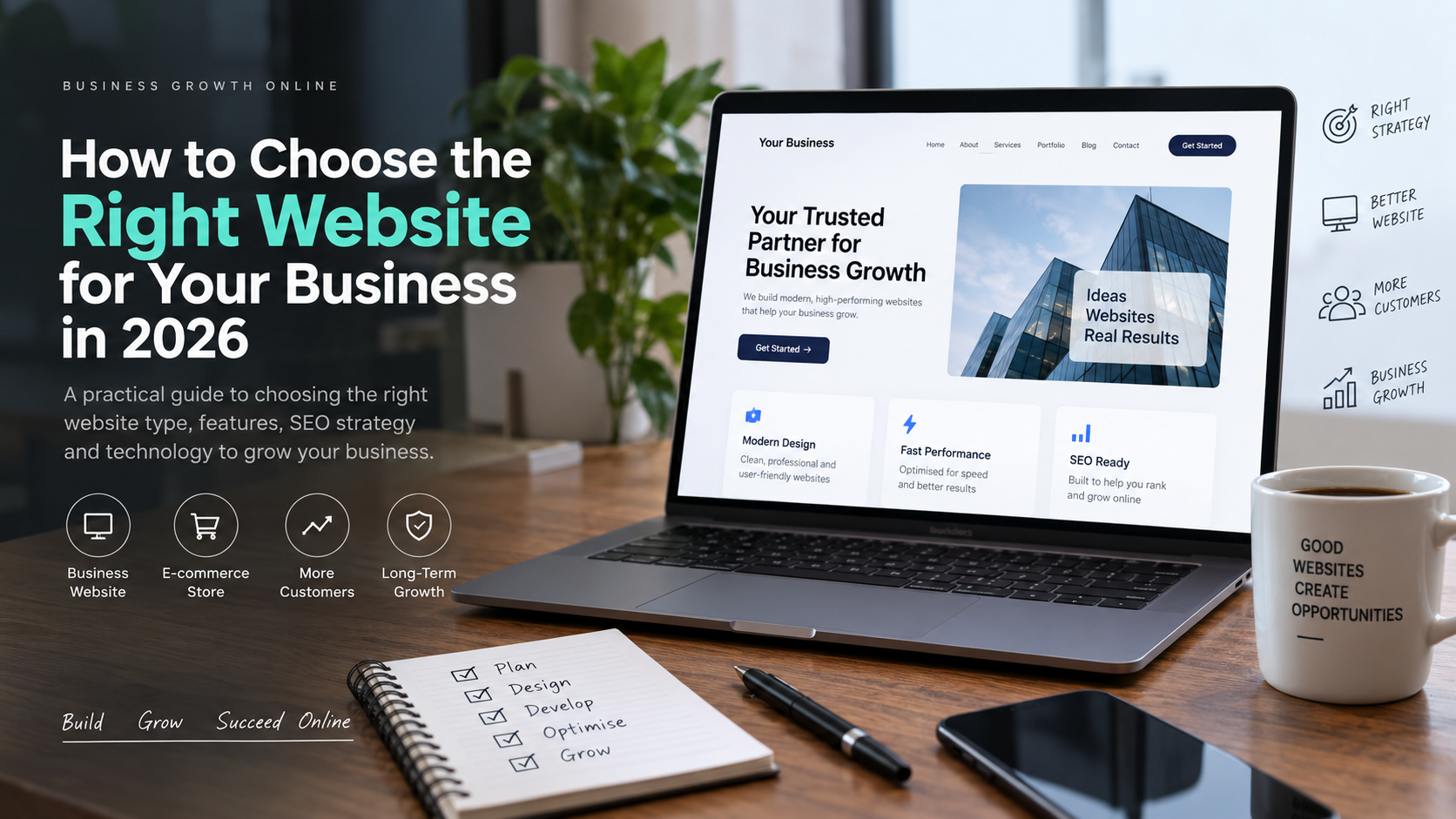
A website is often the first place where potential customers learn about your business. In 2026, simply having a website is not enough. Your website needs to be fast, mobile-friendly, easy to use, secure, and designed around what your customers actually need.
But what type of website is right for your business?
A local service provider may need a simple business website, while an online retailer may need a complete e-commerce store. A company running advertising campaigns might benefit more from dedicated landing pages.
Choosing the right solution from the beginning can save money, improve your online visibility, and help turn website visitors into customers.
1. Start With Your Business Goal
Before choosing a platform or website design, think about what you want your website to achieve.
Ask yourself:
- Do you want customers to call you?
- Do you want people to request a quote?
- Do you want to sell products online?
- Do you want to generate leads?
- Do you want to build credibility for your business?
- Do you want customers to book appointments online?
Your goal should influence the structure and features of your website.
For example, a local plumber may need service pages, contact forms, Google Maps integration, and click-to-call buttons. An online store will require product pages, shopping cart functionality, payment options, and order management.
2. Choose the Right Type of Website
Different businesses have different requirements.
Business Website
A professional business website is suitable for companies that primarily want to explain their services and generate enquiries.
It usually includes:
- Home page
- About page
- Services
- Portfolio or projects
- Testimonials
- Blog
- Contact page
This is a good option for consultants, agencies, freelancers, professional services, and local businesses.
E-commerce Website
If you want to sell products online, you need an e-commerce website.
An e-commerce website should make it easy for customers to:
- Browse products
- Search and filter products
- Add products to a cart
- Make secure payments
- Track orders
- Contact support
The website also needs proper product SEO and a simple checkout process.
Landing Page
A landing page is designed around one specific goal.
For example, if you are running Google or social media advertising for a particular service, a dedicated landing page can focus entirely on getting visitors to submit a form, call your business, or make a purchase.
3. Make Mobile Responsiveness a Priority
A large percentage of website visitors use smartphones.
If your website looks good on a desktop but is difficult to use on a mobile phone, you can lose potential customers.
A mobile-friendly website should have:
- Easy-to-read text
- Properly sized buttons
- Simple navigation
- Fast-loading images
- Forms that are easy to complete
- No unnecessary pop-ups
Always test your website on different screen sizes before launching it.
4. Website Speed Matters
People do not want to wait for a slow website to load.
Large images, unnecessary plugins, poor hosting, excessive scripts, and badly written code can all affect website performance.
A good website should be built with performance in mind from the beginning.
Optimising images, reducing unnecessary scripts, using caching, and choosing suitable hosting can make a significant difference.
A faster website also provides a better user experience and can support your search visibility.
5. Don’t Build a Website Without SEO
Search engine optimisation should not be something you think about after the website is finished.
Your website structure should be planned with SEO in mind.
Important areas include:
- Proper page titles
- SEO-friendly URLs
- Useful headings
- Relevant keywords
- Internal linking
- Optimised images
- Helpful content
- Fast loading pages
- Mobile usability
- Local SEO where appropriate
For example, a web developer serving businesses in Kochi and Kerala should create useful pages and content around the services and locations that are genuinely relevant to the business.
6. Focus on Your Customers, Not Just Your Design
A beautiful website is useful, but design alone does not generate business.
Your visitors should quickly understand:
What do you offer?
Who do you help?
Why should they choose you?
What should they do next?
Your homepage should communicate these points clearly.
Instead of filling the page with complicated animations and unnecessary information, focus on clear messaging, strong visuals, useful content, and obvious calls to action.
7. Make Your Website Secure
Website security is important for every business, even if you do not sell products online.
Your website should use HTTPS and keep its CMS, themes, plugins, and other software updated.
Regular backups are also important. If something goes wrong, having a recent backup can make recovery much easier.
Security should be treated as ongoing maintenance rather than a one-time task.
8. Don’t Forget Website Maintenance
Launching a website is not the end of the project.
Websites need ongoing attention.
Regular maintenance can include:
- Updating WordPress and plugins
- Checking website security
- Taking backups
- Fixing broken links
- Updating old content
- Checking website speed
- Monitoring forms and enquiries
- Improving SEO
- Adding fresh blog content
A website that is regularly maintained is more likely to remain secure, useful, and effective over time.
9. Avoid Choosing a Website Based Only on Price
Price is obviously an important consideration for a business, but choosing the cheapest option is not always the best decision.
A website that looks inexpensive initially may become expensive later if it is difficult to maintain, performs poorly, or fails to generate enquiries.
Instead of asking only “How much does a website cost?”, consider:
“What will this website help my business achieve?”
A well-planned website should be viewed as an investment in your business rather than simply an expense.
Common Website Mistakes Businesses Should Avoid
Some common mistakes include:
- Using the same generic content as competitors
- Ignoring mobile users
- Having a slow website
- Making navigation complicated
- Using poor-quality images
- Forgetting local SEO
- Not having clear calls to action
- Installing unnecessary plugins
- Publishing a website and never updating it
- Treating SEO as an afterthought
Avoiding these problems can make your website significantly more effective.
Final Thoughts
The right website for your business depends on your goals, customers, services, products, and growth plans.
Whether you need a professional business website, an e-commerce store, or a conversion-focused landing page, the important thing is to build it around your customers and business objectives.
A successful website should not only look professional. It should be fast, secure, mobile-friendly, easy to use, search-engine friendly, and capable of generating real business results.
If you are planning a new website or want to improve an existing one, Mansu Girish provides freelance web development, SEO, and digital marketing services for businesses in Kerala and beyond.
Need a website for your business? Get in touch to discuss your requirements.