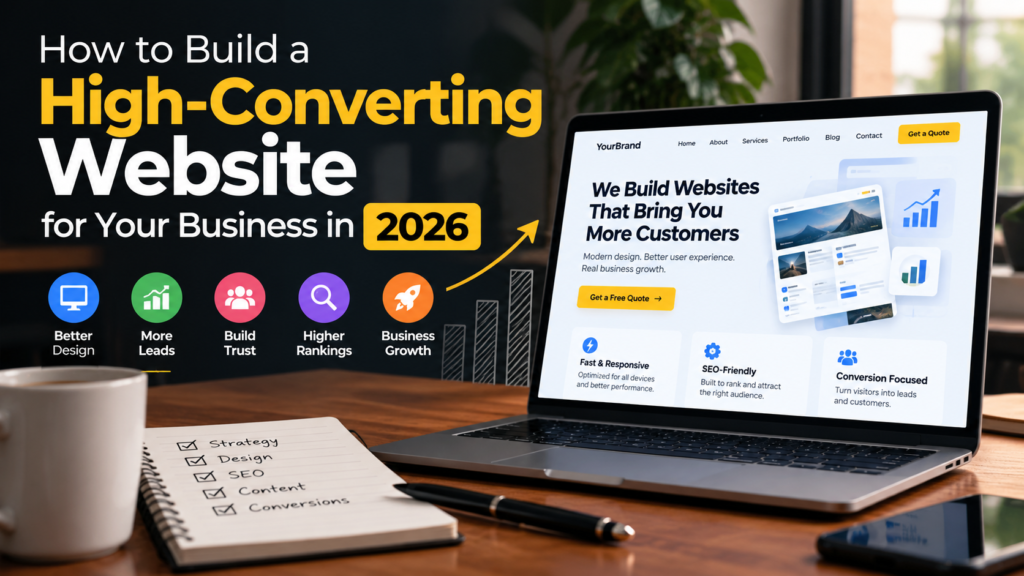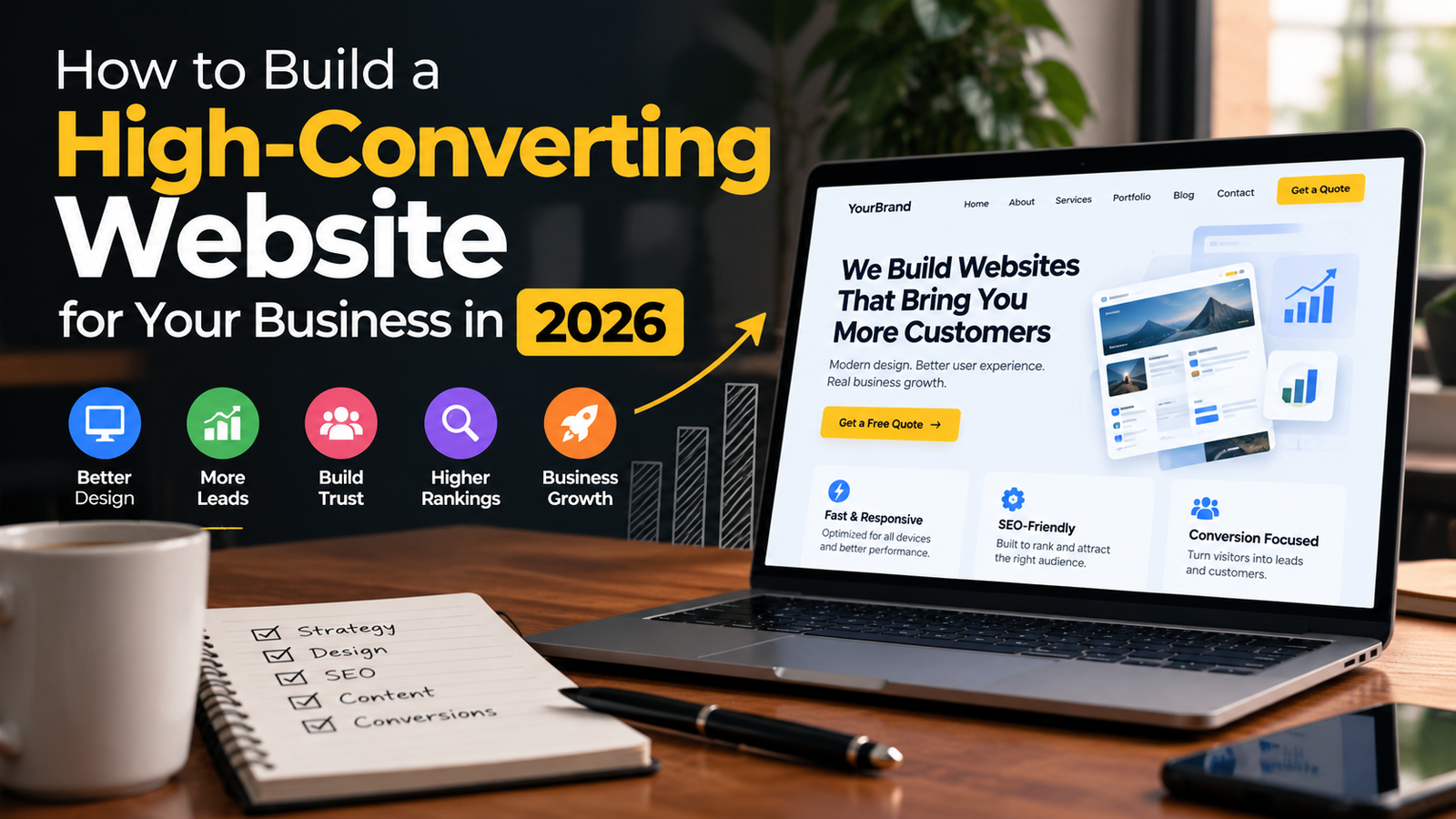
A good-looking website is not always a high-performing website. In 2026, businesses need websites that do more than display information. A successful business website should attract the right visitors, build trust, load quickly, work smoothly on mobile devices, and guide visitors toward taking action.
Whether you are a small business owner, freelancer, startup, or service provider, your website often becomes the first place potential customers interact with your brand.
That makes website design, content, SEO, user experience, and conversion strategy equally important.
What Is a High-Converting Website?
A high-converting website is designed to encourage visitors to take a meaningful action.
Depending on the business, that action could be:
- Sending an inquiry
- Calling the business
- Booking an appointment
- Requesting a quote
- Purchasing a product
- Signing up for a service
- Downloading a resource
- Starting a conversation
The goal is not simply to get more website visitors.
The goal is to turn relevant visitors into potential customers.
A website can receive thousands of visitors and still generate very few leads if the messaging, design, navigation, or calls to action are unclear.
1. Start With a Clear Business Goal
Before designing a website, determine what the website needs to accomplish.
For example:
Local service business
→ Generate phone calls and inquiries
Freelancer
→ Generate project inquiries
Ecommerce store
→ Generate product purchases
Consultant
→ Generate consultation bookings
Restaurant
→ Generate reservations and orders
The website structure should support that primary objective.
Instead of asking:
“What should my website look like?”
Start by asking:
“What should visitors do after they arrive?”
That question can influence everything from the homepage layout to the CTA buttons.
2. Make Your Value Proposition Clear
Visitors should understand what you offer within a few seconds.
Your homepage should clearly communicate:
- What you do
- Who you help
- Where you operate, if relevant
- Why someone should consider your service
- What the visitor should do next
For example, instead of:
“Welcome to Our Website”
a service business could use:
“Professional Web Design for Small Businesses That Want More Customers”
The second message immediately communicates the service and its purpose.
3. Design for Your Target Audience
A website should be designed around the people who will use it.
A corporate consulting website may require a different visual style from:
- A restaurant
- A law firm
- A fitness business
- A real estate agency
- An ecommerce store
- A personal portfolio
Consider your audience’s:
- Needs
- Expectations
- Problems
- Buying behavior
- Device preferences
- Level of technical knowledge
Good website design is not about making a website look impressive to the designer.
It is about making the website useful to the visitor.
4. Create Simple Website Navigation
Visitors should be able to find important information without searching through complicated menus.
A basic business website may include:
- Home
- About
- Services
- Portfolio
- Blog
- Contact
Depending on the business, you may also need:
- Pricing
- Case Studies
- Locations
- FAQs
- Testimonials
- Resources
Avoid adding every possible page to the main navigation.
Keep the primary menu focused on the pages visitors actually need.
5. Use Strong Calls to Action
A website needs clear calls to action.
Examples include:
- Get a Free Quote
- Book a Consultation
- Contact Us
- Call Now
- Request a Proposal
- Start Your Project
- Schedule a Meeting
The CTA should match the visitor’s intent.
For example, a visitor reading a service page may be ready to:
Request a Quote
while someone reading an educational blog post may be more likely to:
Learn More
or
Contact an Expert
6. Build Trust Before Asking for the Sale
People are more likely to contact a business when they trust it.
Useful trust elements include:
- Client testimonials
- Reviews
- Case studies
- Portfolio examples
- Certifications
- Professional memberships
- Client logos
- Business information
- Team photographs
- Guarantees where appropriate
For service businesses, showing actual work can be particularly effective.
Instead of simply saying:
“We create great websites.”
show visitors examples of websites you have created.
7. Make Your Website Mobile-Friendly
A large percentage of website visitors use smartphones.
Your website should therefore work properly across:
- Smartphones
- Tablets
- Laptops
- Desktop computers
Check:
- Text readability
- Button sizes
- Navigation
- Forms
- Images
- Spacing
- Phone numbers
- Page speed
A visitor should not have to zoom in just to read your website.
8. Improve Website Speed
A beautiful website can still perform poorly if it takes too long to load.
Common causes of slow websites include:
- Large images
- Unnecessary plugins
- Excessive JavaScript
- Poor hosting
- Unoptimized videos
- Too many third-party scripts
- Unused CSS
- Poor caching
For WordPress websites, optimization should include reviewing plugins, images, caching, hosting, and unnecessary scripts.
Speed should be considered part of the overall user experience rather than an isolated technical task.
9. Write Content That Answers Customer Questions
Website content should focus on what potential customers actually want to know.
For a web design business, visitors may ask:
- How much does a website cost?
- How long does website development take?
- Do you provide WordPress websites?
- Can you redesign an existing website?
- Is SEO included?
- Will the website work on mobile?
- Can I update the website myself?
Answering these questions directly can make the website more useful and can also create opportunities to attract relevant search traffic.
10. Optimize the Website for Search Engines
A high-converting website still needs qualified visitors.
Basic SEO elements include:
- Keyword research
- SEO-friendly URLs
- Title tags
- Meta descriptions
- Proper headings
- Internal linking
- Image optimization
- Useful content
- Mobile usability
- Technical SEO
- Local SEO where appropriate
Don’t create content simply because a keyword has search volume.
The content should satisfy the reason someone searched for that keyword.
11. Create Dedicated Service Pages
One common mistake is putting every service on one page.
For example, a web development business may offer:
- WordPress Development
- Website Design
- Ecommerce Development
- SEO
- UI/UX Design
- Website Maintenance
Instead of putting everything into one huge services page, important services can have their own dedicated pages.
This makes it easier to:
- Explain each service
- Target relevant search intent
- Add internal links
- Create specific CTAs
- Measure conversions
12. Use Landing Pages for Marketing Campaigns
Paid advertising and other campaigns should not always send visitors to the homepage.
Suppose you run an advertisement for:
WordPress Website Development
The visitor should ideally land on a page specifically about:
WordPress Website Development
rather than a generic homepage containing every service.
The basic journey should be:
Ad → Relevant Landing Page → CTA → Inquiry
The closer these elements match, the easier it is for visitors to understand what to do next.
13. Add Social Proof
Social proof helps visitors understand whether other people have had a positive experience with the business.
Examples include:
“Our new website helped us generate more qualified inquiries.”
You can also display:
- Google reviews
- Client testimonials
- Case studies
- Before-and-after projects
- Portfolio results
- Client logos
Make sure testimonials and claims are genuine and can be supported.
14. Make Contacting You Easy
Don’t make visitors search for your contact information.
Important contact options can include:
- Phone
- Contact form
- Booking calendar
- Consultation form
For mobile users, a clickable phone number can make a significant difference.
The contact page should also clearly explain what happens after someone submits an inquiry.
For example:
“We’ll review your project details and contact you within one business day.”
15. Use Forms That Don’t Create Unnecessary Friction
Long forms can discourage people from contacting a business.
Only ask for information that is actually needed at the initial stage.
A simple project inquiry form might ask for:
- Name
- Phone
- Business/website
- Required service
- Project details
Additional information can be collected later if necessary.
16. Create a Strong Homepage Structure
A typical high-converting homepage can follow this structure:
Hero Section
What you do + who you help + primary CTA
↓
Services
Explain your main services.
↓
Why Choose Us
Highlight relevant differentiators.
↓
Portfolio / Case Studies
Show actual work.
↓
Testimonials
Build trust.
↓
Process
Explain how working with you happens.
↓
FAQ
Answer common objections.
↓
Final CTA
Give visitors a clear next step.
This structure isn’t mandatory for every business, but it provides a useful starting framework.
17. Add FAQs
FAQs can reduce uncertainty before someone contacts you.
For example:
How much does a website cost?
Explain the factors that affect pricing.
How long does website development take?
Explain the typical process and variables.
Do you provide website maintenance?
Explain your available maintenance options.
Will my website be SEO-friendly?
Explain what is included and what requires ongoing SEO work.
FAQs should answer genuine customer questions rather than being created only to insert keywords.
18. Track Website Conversions
Traffic alone doesn’t tell you whether the website is working.
Track meaningful actions such as:
- Contact form submissions
- Phone calls
- Consultation bookings
- Quote requests
- WhatsApp conversations
- Purchases
- Newsletter signups
This helps you understand which pages and marketing channels generate actual business opportunities.
19. Improve the Website Using Real Data
Website optimization should be an ongoing process.
Review:
- Most visited pages
- Exit pages
- Conversion rates
- Search queries
- Traffic sources
- Device performance
- Form submissions
- Phone calls
You may discover that one service page generates significantly more inquiries than another.
That information can help guide future content and marketing decisions.
20. Keep Improving Your Website
A website should not be considered finished forever.
Businesses change.
Services change.
Customers change.
Search behavior changes.
Technology changes.
Review the website regularly and ask:
- Is the information still accurate?
- Are the services still relevant?
- Are the CTAs clear?
- Does the website work well on mobile?
- Are important pages receiving traffic?
- Are visitors converting?
- Are there outdated pages?
- Can the content be improved?
A website that evolves with the business can remain useful for much longer.
Final Thoughts
A high-converting website is not created by design alone.
It requires a combination of:
Strategy + Design + UX + Content + SEO + Performance + Conversion Tracking
The goal is to create a website that helps the right visitors understand the business, trust it, and take the next appropriate action.
For freelancers and businesses investing in a new website, the best approach is to think beyond:
“How should my website look?”
Instead, ask:
“How will this website help my business grow?”
That shift can lead to better design decisions, clearer content, stronger SEO, and a website that is built around actual business outcomes.