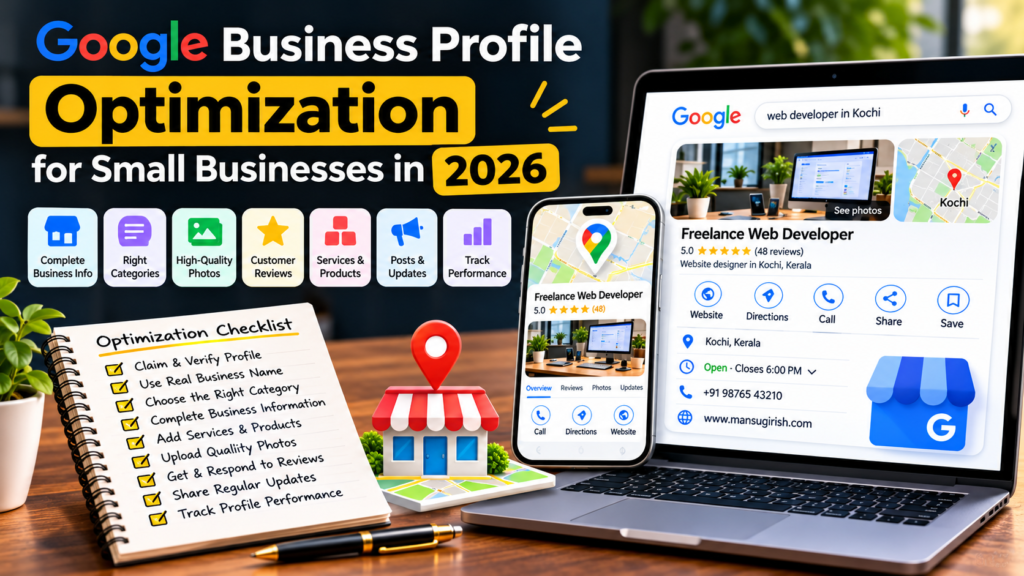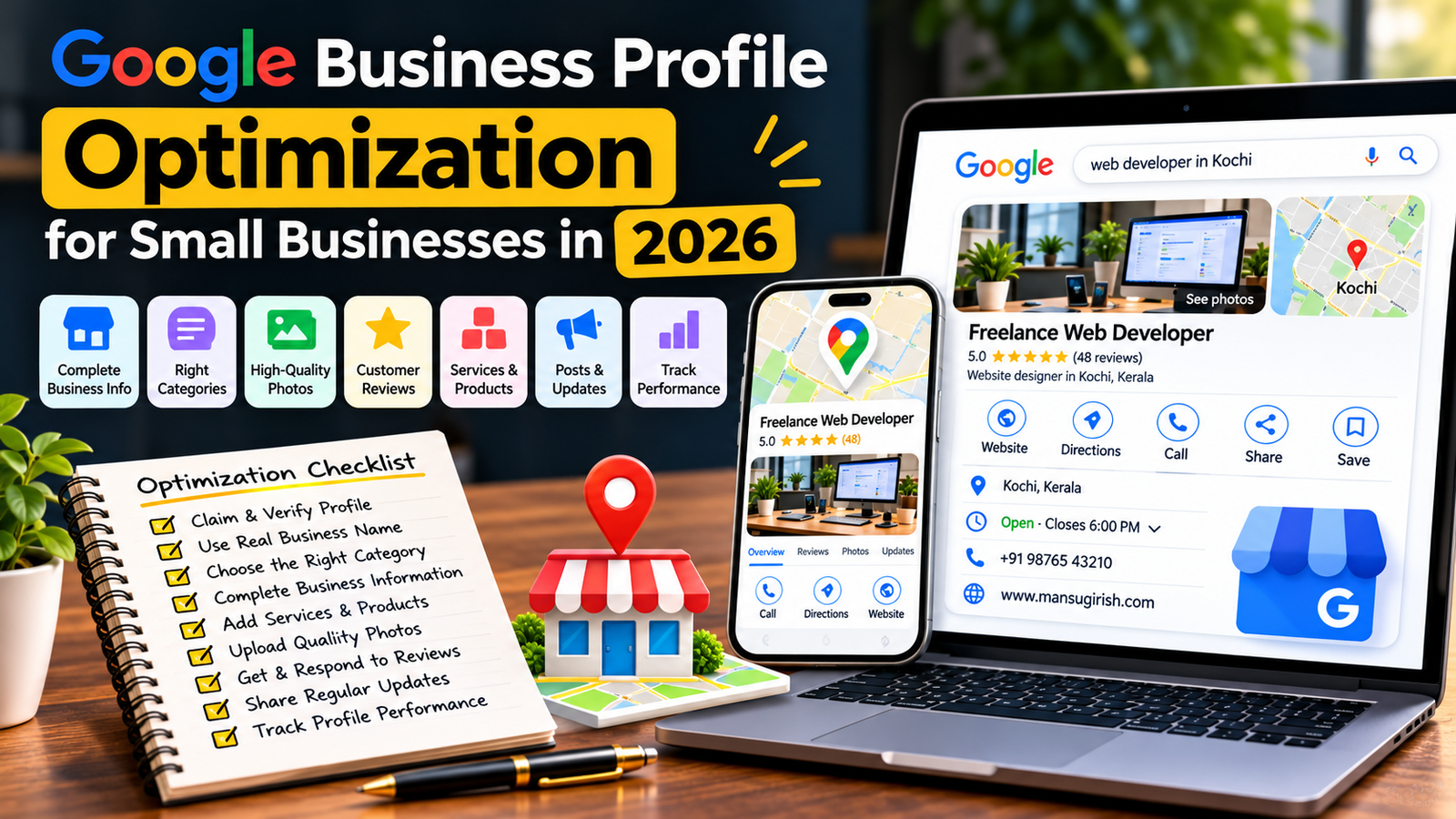
Google Business Profile Optimization for Small Businesses in 2026
When people search for a local service, they often want to find a nearby business quickly. They may search for a web developer, restaurant, dentist, electrician, salon, or digital marketing agency.
Before visiting a website, many customers check Google Search or Google Maps to compare businesses, read reviews, view photos, and find contact information.
This is where Google Business Profile becomes important.
A properly optimized Google Business Profile helps potential customers understand what your business offers, where you operate, when you’re available, and how they can contact you.
For small businesses, it can become an important part of a local SEO strategy.
In this guide, you’ll learn how to optimize your Google Business Profile in 2026, improve your business information, manage customer reviews, add photos, and build a stronger local online presence.
What Is Google Business Profile?
Google Business Profile is a free tool that allows eligible businesses to manage how they appear on Google Search and Google Maps.
Businesses can use their profiles to display:
Business name
Address or service area
Phone number
Website
Business hours
Business categories
Services and products
Photos and videos
Customer reviews
Business updates
Customers can use this information to discover businesses, compare options, request directions, visit websites, or make contact.
Why Is Google Business Profile Important for Small Businesses?
For a local business, visibility matters.
Imagine someone searching for a service in their city. They may see a selection of businesses on Google Maps before visiting any individual website.
If your business information is incomplete or outdated, potential customers may struggle to understand what you offer.
An optimized profile can help you:
Improve your local online presence.
Make important business information easier to find.
Show customers your products and services.
Build trust through genuine customer reviews.
Share business photos and updates.
Generate website visits and customer enquiries.
Help customers find your business location or service area.
Google explains that local results are primarily influenced by relevance, distance, and prominence. Completing your profile can help Google understand your business, but no optimization technique guarantees a particular ranking.
1. Claim and Verify Your Google Business Profile
The first step is making sure you control the correct business profile.
Search for your business name on Google and Google Maps. If a profile already exists, check whether you can claim or manage it.
If no profile exists, create one through Google’s official platform.
Checklist:
Search for an existing business listing.
Claim the correct profile if it already exists.
Create a profile if your business is eligible and doesn’t have one.
Complete Google’s verification process.
Make sure the correct person controls the account.
Keep account recovery details updated.
Verification helps establish that you’re authorized to represent the business.
Avoid creating duplicate profiles for the same business location.
2. Use Your Real Business Name
Your business name should match the name customers recognize in the real world.
For example, if your business is called ABC Web Solutions, use that name rather than adding extra keywords such as:
“ABC Web Solutions – Best Website Designer in Kerala – SEO Expert.”
Adding unnecessary keywords to your business name can violate Google’s guidelines and put your profile at risk.
Best practices:
Use your actual business name.
Keep branding consistent with your website.
Avoid promotional phrases in the name.
Don’t add unnecessary locations or service keywords.
Use the same recognizable business name across platforms.
Your business name should identify your business, not act as an advertising headline.
3. Choose the Right Primary Business Category
Categories help Google understand what your business does.
Your primary category should represent your main business activity as accurately as possible.
For example:
A restaurant should choose the most relevant restaurant category.
A dental clinic should choose an appropriate dental category.
A web development company should select the closest available category representing its core service.
You can add relevant secondary categories when they genuinely describe additional business activities.
Checklist:
Choose the most accurate primary category.
Add only relevant secondary categories.
Review available categories periodically.
Avoid selecting unrelated categories for extra keyword coverage.
Don’t choose categories simply because you want to appear for more searches.
4. Complete Your Business Information
Incomplete business information creates unnecessary friction for potential customers.
Make sure your profile includes accurate and useful details.
Important information to review:
Business name
Address
Phone number
Website URL
Business hours
Business category
Service area
Business description
Available services
Relevant business attributes
Check every detail before publishing changes.
For businesses that serve customers at their own locations, use the correct physical address. Service-area businesses should configure their service areas according to Google’s guidelines.
5. Write a Useful Business Description
Your business description should explain what you do, who you serve, and what makes your business useful.
Avoid filling the description with repeated keywords or promotional claims.
For example, a web development company could write:
“We provide professional website design, WordPress development, website redesign, and SEO services for businesses looking to improve their online presence. Our services focus on creating responsive, user-friendly websites that help businesses connect with customers and grow online.”
A good business description should be:
Clear and readable.
Accurate.
Relevant to your services.
Written for potential customers.
Free from unnecessary keyword repetition.
Google’s guidelines also restrict certain promotional and irrelevant content in the business description.
6. Add Your Products and Services
Customers should understand what they can get from your business without having to guess.
Use the available products and services features to describe your actual offerings.
For a web development business, examples might include:
WordPress Website Development
Website Redesign
Elementor Website Design
eCommerce Website Development
Website Maintenance
Technical SEO
Local SEO
Website Speed Optimization
For each service, provide a useful description.
Explain what the service includes and how it helps customers.
Don’t add services you don’t actually provide.
7. Upload High-Quality Business Photos
Photos help potential customers understand what your business looks like and what you offer.
For a physical business, useful photos might include:
Exterior images
Interior images
Products
Team photographs
Staff at work
Business activities
For a service-based business, you can also use appropriate project photographs and genuine examples of your work.
Photo checklist:
Use clear, high-quality images.
Upload genuine business photographs.
Keep images relevant to your services.
Avoid misleading or heavily edited visuals.
Use appropriate image formats and dimensions.
Review photos periodically.
Don’t upload random stock images and present them as genuine photographs of your business.
8. Build a Consistent Customer Review Strategy
Customer reviews help people understand other customers’ experiences with your business.
They can also contribute to your business’s prominence in local search.
However, reviews should be genuine and collected without manipulation.
Review strategy:
Deliver a good customer experience.
Ask customers for honest feedback.
Share your Google review link when appropriate.
Respond professionally to customer feedback.
Address genuine complaints constructively.
Monitor reviews regularly.
Never purchase fake reviews, offer incentives in exchange for positive ratings, or pressure customers to leave only favorable feedback.
A smaller collection of genuine reviews is more valuable to your reputation than a manipulated rating.
9. Respond to Customer Reviews
Responding to reviews shows that your business pays attention to customer feedback.
You don’t need a complicated response strategy.
For positive reviews, thank the customer and acknowledge their experience.
For negative reviews:
Stay professional.
Avoid arguing publicly.
Address the issue where possible.
Don’t reveal private customer information.
Offer an appropriate way to continue the conversation.
For example:
“Thank you for sharing your feedback. We’re sorry your experience didn’t meet expectations. Please contact our team so we can understand the issue and help resolve it.”
Avoid copying the same generic response for every review.
10. Keep Business Hours Updated
Incorrect business hours can frustrate customers.
Imagine someone visiting your location because Google shows that you’re open, only to discover that the business is closed.
Review your business hours regularly.
Checklist:
Add accurate regular hours.
Update holiday hours.
Review special opening hours.
Update temporary closures.
Correct seasonal operating hours.
Make sure the information matches your website and other listings.
If customers can visit your business only by appointment, make sure your profile represents that accurately.
11. Use Google Business Profile Posts and Updates
Google Business Profile provides features that allow businesses to share updates with customers.
Depending on the available profile features, you can publish:
Business updates
Announcements
Events
Offers
Relevant news
For example, a web development company might share an update about a recently completed website project or a new service.
Keep updates useful and relevant.
Don’t publish content just to maintain an arbitrary posting frequency. Focus on information that helps potential customers understand your business.
12. Add Your Website Link and Contact Information
Your Google Business Profile should make it easy for customers to reach your business.
Add your official website and accurate contact details.
Checklist:
Add your official website URL.
Use a phone number controlled by your business.
Check that the phone number works.
Verify that the website opens correctly.
Make sure your contact page is easy to find.
Test the mobile experience.
Review contact details periodically.
Your website should provide consistent information about your services, location, and business identity.
13. Maintain NAP Consistency
NAP stands for Name, Address, and Phone Number.
Consistent business information helps customers recognize your business across different online platforms.
Review your details on:
Google Business Profile
Official website
Business directories
Social media profiles
Industry-specific listings
Local business websites
If your address or phone number changes, update important listings rather than leaving outdated information online.
For businesses with multiple locations, maintain accurate details for each genuine location.
14. Create Local SEO-Friendly Website Pages
Your Google Business Profile is only one part of local SEO.
Your website should also explain what services you provide and where you operate.
For example, a web development company serving Kerala might create useful service pages covering:
WordPress Website Development
Website Redesign Services
SEO Services
eCommerce Website Development
Website Maintenance
If you genuinely serve multiple locations, create location pages with useful, unique local information.
Avoid creating dozens of nearly identical pages by replacing only the city name.
Your website content should help real customers understand your services and geographic coverage.
15. Use Local Business Structured Data
Structured data helps search engines understand certain information about your business and website.
Depending on the type of business, relevant Schema.org types may include LocalBusiness or a more specific subtype.
Useful information may include:
Business name
Address
Phone number
Opening hours
Website URL
Location information
Only include accurate information that is visible or otherwise appropriately supported by your website content.
Structured data doesn’t guarantee a special search result or higher rankings.
16. Monitor Google Business Profile Performance
Don’t optimize your profile and then forget about it.
Review the performance information available in your Business Profile.
Depending on the reporting features available, you may be able to understand how customers discover and interact with your business.
Monitor useful activities such as:
Search terms used to find your business.
Website clicks.
Phone calls.
Direction requests.
Customer interactions.
Bookings or other available actions.
Use this information to understand how people discover your business and which parts of your online presence may need improvement.
17. Avoid Common Google Business Profile Mistakes
Some businesses make avoidable mistakes while trying to improve their local visibility.
Watch out for these problems:
Keyword stuffing: Adding extra service keywords to the business name.
Duplicate profiles: Creating multiple listings for the same business location.
Incorrect address: Using a virtual office or an address that doesn’t meet Google’s eligibility requirements.
Wrong categories: Choosing unrelated categories to attract additional searches.
Fake reviews: Purchasing reviews or manipulating customer feedback.
Outdated information: Leaving old phone numbers, hours, or addresses.
Irrelevant photos: Uploading images that don’t represent the actual business.
Inactive management: Ignoring customer reviews and important profile changes.
Follow Google’s official guidelines to reduce the risk of profile restrictions or suspension.
How Often Should You Optimize Your Google Business Profile?
Profile management should be an ongoing activity rather than a one-time setup.
| Frequency | Suggested Tasks |
|---|---|
| Weekly | Review customer feedback and important profile updates |
| Monthly | Check business information, photos, and performance |
| Quarterly | Review categories, services, website links, and local SEO |
| When changes happen | Update address, phone number, business hours, or services |
The frequency can vary depending on your business activity and how frequently your information changes.
Final Thoughts
Google Business Profile can be a valuable part of a small business’s local online presence.
But creating a profile is only the beginning.
You need accurate business information, relevant categories, genuine photographs, useful service descriptions, authentic customer reviews, and a website that supports your local SEO strategy.
Start with the basics, correct any outdated information, and review your profile regularly.
Remember that Google local rankings depend on relevance, distance, and prominence. There is no guaranteed shortcut to the top of local search results.
The goal is simple: make it easier for the right customers to discover your business, understand your services, and contact you.