How to Choose the Right Web Hosting for Small Businesses in 2026
Choosing the right web hosting is one of the most important decisions when building a business website.
You may have a beautiful WordPress design, professional content, and a strong SEO strategy, but if your hosting is unreliable, your website can still experience slow loading, downtime, security issues, and poor performance.
For small businesses, choosing hosting can be confusing. There are hundreds of providers offering shared hosting, VPS hosting, cloud hosting, managed WordPress hosting, and dedicated servers.
But the most expensive plan isn’t always the best choice.
The right hosting depends on your website’s size, traffic, functionality, budget, technical requirements, and future growth.
In this guide, you’ll learn how to choose web hosting for small businesses in 2026, what features to compare, which hosting types to understand, and what mistakes to avoid.
What Is Web Hosting?
Web hosting is a service that stores your website’s files and makes them accessible through the internet.
When someone visits your domain, their browser requests information from the server where your website is hosted. The server processes the request and delivers the website content to the visitor.
Your hosting environment may contain:
-
Website files
-
Images and media
-
Database
-
WordPress installation
-
Emails, depending on the hosting plan
-
Server-side applications
-
Backups and other website data
Think of your domain name as your website’s address and hosting as the place where your website lives.
You need both to make a self-hosted website accessible online.
Why Is Web Hosting Important for Small Businesses?
Your hosting provider affects more than just whether your website is online.
It can influence:
-
Website loading performance
-
Server availability
-
Security
-
Backup and recovery options
-
WordPress compatibility
-
Website scalability
-
Technical support
-
Overall maintenance requirements
For example, if a potential customer visits your website and encounters a server error, they may leave without contacting your business.
Similarly, an unreliable hosting environment can make website updates and everyday management difficult.
Choosing suitable hosting gives your website a more dependable foundation.
1. Understand Your Website Requirements First
Before comparing hosting providers, understand what your website actually needs.
A simple business website doesn’t require the same resources as a large eCommerce store.
Start by identifying:
-
How many pages will your website have?
-
Will you use WordPress?
-
Will you use Elementor or another page builder?
-
Will you sell products online?
-
How much traffic do you expect?
-
Will you publish blogs regularly?
-
Do you need business email accounts?
-
Will you use external integrations?
-
Do you expect the website to grow?
For example, a five-page company website with a contact form may have relatively modest requirements.
A WooCommerce store with hundreds of products, payment integrations, and frequent orders needs more careful hosting selection.
Don’t purchase a large hosting plan simply because it advertises impressive specifications. Match the plan to your actual workload.
2. Understand Different Types of Web Hosting
There are several hosting options available. Each has different advantages and limitations.
Shared Hosting
Shared hosting places multiple websites on the same server.
The server resources are shared among the accounts hosted on that machine.
Advantages:
-
Usually affordable.
-
Suitable for many small websites.
-
Easy to get started.
-
Often includes a hosting control panel.
-
Minimal server administration for beginners.
Limitations:
-
Resources may be limited.
-
Performance can vary with server workload.
-
Advanced server configuration may not be available.
-
Some plans have strict usage limits.
Shared hosting can be a reasonable starting point for a simple business website with modest traffic.
VPS Hosting
Virtual Private Server hosting gives your website a virtualized server environment with allocated resources.
Advantages:
-
More control over the server environment.
-
Dedicated resource allocations.
-
Greater configuration flexibility.
-
Useful for more demanding websites.
Limitations:
-
Can require server administration knowledge.
-
Management may cost extra.
-
Incorrect configuration can create security issues.
-
Resources still depend on the underlying physical infrastructure.
VPS hosting can be suitable for growing businesses that need more control or predictable resource allocations.
Cloud Hosting
Cloud hosting uses a cloud infrastructure to run websites and applications.
Depending on the provider and architecture, resources can be distributed across multiple servers.
Advantages:
-
Flexible infrastructure.
-
Options for scaling resources.
-
Different pricing and deployment models.
-
Useful for applications with changing workloads.
Limitations:
-
Pricing can be more complex.
-
Configuration may require technical knowledge.
-
Some services charge separately for storage, bandwidth, backups, and other resources.
Cloud hosting can be useful for websites with changing traffic patterns or more advanced technical requirements.
Managed WordPress Hosting
Managed WordPress hosting is designed specifically for WordPress websites.
The provider may handle parts of the technical environment, such as WordPress updates, caching, backups, security features, and support.
Advantages:
-
WordPress-focused infrastructure.
-
Simplified website management.
-
Specialized support.
-
Convenient backup and staging features on some plans.
-
Performance tools designed for WordPress.
Limitations:
-
Can cost more than basic shared hosting.
-
Some plans restrict certain plugins or configurations.
-
Features differ significantly between providers.
For businesses using WordPress, managed hosting can reduce technical management work.
Dedicated Hosting
Dedicated hosting provides an entire physical server for one customer.
Advantages:
-
Greater control over server resources.
-
Extensive configuration options.
-
Useful for demanding workloads.
-
More flexibility for specialized applications.
Limitations:
-
Higher costs.
-
More server management responsibility.
-
May require experienced technical support.
-
Often unnecessary for ordinary small-business websites.
Most small businesses do not need dedicated hosting when starting out.
3. Check Server Performance and Resources
Hosting plans often advertise storage, bandwidth, memory, and processing power.
Don’t compare plans using storage space alone.
Review the actual resources and limits that matter to your website.
Important things to check:
-
CPU allocation
-
RAM or memory limits
-
SSD or NVMe storage
-
Storage capacity
-
Bandwidth or transfer limits
-
Database limits
-
PHP worker limits, where applicable
-
Concurrent process restrictions
-
Resource usage policies
For WordPress websites using Elementor, WooCommerce, or multiple plugins, server resources can affect both the frontend and WordPress administration experience.
Ask the provider what happens when your website reaches its resource limits.
A hosting plan that looks inexpensive may become restrictive when your website grows.
4. Check WordPress Compatibility
If you’re building a WordPress website, make sure the hosting environment supports current WordPress requirements.
WordPress.org currently recommends PHP 8.3 or greater, MariaDB 10.11 or greater or MySQL 8.0 or greater, and HTTPS support. Check the current official requirements before choosing a hosting provider.
WordPress hosting checklist:
-
Supported PHP version
-
Compatible database version
-
HTTPS support
-
Updated server software
-
Suitable PHP memory limits
-
Required PHP extensions
-
WordPress installation support
-
Compatibility with your themes and plugins
Don’t assume that every hosting plan advertised as WordPress hosting automatically offers the same technical environment.
5. Look for Reliable Uptime
Uptime refers to the amount of time your website remains accessible.
If your website frequently becomes unavailable, customers may struggle to find your services or contact your business.
Many hosting companies advertise uptime guarantees, but you should also understand the conditions behind those guarantees.
What to check:
-
Published uptime commitment.
-
Service Level Agreement (SLA).
-
Maintenance and downtime exclusions.
-
Monitoring and incident notifications.
-
Support response during outages.
-
Compensation terms, if applicable.
Don’t judge a provider only by a percentage displayed on its sales page.
Look at its actual service terms and how it handles problems.
6. Choose Hosting With Good Security Features
Your website may contain business information, customer enquiries, account details, and other important data.
Hosting security should therefore be part of your selection process.
Useful security features include:
-
SSL/TLS support.
-
Firewall protection.
-
Malware detection.
-
DDoS protection.
-
Secure account isolation.
-
Regular server updates.
-
Access control.
-
Backup and recovery options.
-
Security notifications.
No hosting provider can guarantee that a website will never be compromised.
Your WordPress installation, passwords, themes, plugins, and website administration practices also matter.
Security is a shared responsibility between the hosting provider and the website owner.
7. Check Backup and Restore Options
Backups protect your website data when something goes wrong.
A good hosting plan should explain how backups work rather than simply advertising that backups are included.
Questions to ask:
-
Are backups automatic?
-
How frequently are they created?
-
Are website files and databases included?
-
How long are backups retained?
-
Can you download a backup?
-
Can you restore individual files?
-
Is restoration included or charged separately?
-
Are backups stored separately from the live server?
For business-critical websites, maintain an independent backup strategy as well.
Don’t depend on a single backup copy stored in the same hosting environment as your live website.
8. Review Customer Support Quality
Technical problems don’t always happen during convenient working hours.
When your website is unavailable or an important feature stops working, you need access to useful support.
Before purchasing hosting, review:
-
Support availability.
-
Live chat options.
-
Ticket response process.
-
Phone support, if available.
-
WordPress expertise.
-
Server troubleshooting capabilities.
-
Migration assistance.
-
Escalation procedures.
Also check what the provider’s support team actually covers.
Some hosting companies help with server problems but won’t troubleshoot custom WordPress code, third-party plugins, or website design issues.
Understanding this difference can prevent frustration later.
9. Check Hosting Scalability
Your website requirements may change as your business grows.
You might begin with a small service website and later add:
-
More service pages.
-
A large blog.
-
Online booking.
-
Customer accounts.
-
WooCommerce.
-
Membership functionality.
-
Additional integrations.
-
Higher traffic capacity.
Choose a provider that offers a clear upgrade path.
You should understand how easy it is to move from shared hosting to a higher-capacity environment without disrupting your website.
Scalability doesn’t mean purchasing the largest plan immediately. It means having a sensible path for future requirements.
10. Understand Hosting Pricing
Hosting advertisements often show attractive introductory prices.
However, the renewal price may be different.
Before purchasing, compare the complete cost.
Check these charges:
-
Initial subscription price.
-
Renewal price.
-
Domain registration.
-
Domain renewal.
-
SSL fees, if applicable.
-
Backup charges.
-
Email hosting.
-
Migration charges.
-
Additional storage.
-
Premium support.
-
Server resource upgrades.
Also review the billing cycle and cancellation policy.
A low introductory price is not necessarily the cheapest option over several years.
Compare the total cost of ownership rather than just the first payment.
11. Check Server Location and Content Delivery Network Options
The physical location of the server can influence network latency.
For example, if most of your customers are in India, choosing an appropriate hosting region may help reduce the distance between visitors and your server.
However, server location is only one performance factor.
Your website’s caching, code, image sizes, database performance, and network configuration also matter.
A Content Delivery Network (CDN) can distribute cached content through locations closer to visitors.
Checklist:
-
Check available server regions.
-
Consider where your target customers are located.
-
Review CDN availability.
-
Understand CDN configuration and pricing.
-
Check whether dynamic pages require special caching rules.
-
Test actual website performance from your target locations.
Don’t assume that a CDN automatically fixes every hosting or website performance problem.
12. Consider Email Hosting Separately
Some web hosting plans include business email accounts, while others sell email hosting separately.
You can also use a separate professional email provider instead of hosting email on the same server as your website.
This can make it easier to manage email independently from website hosting.
13. Look for Staging and Migration Features
A staging environment allows you to test changes without immediately affecting the live website.
This is useful when updating themes, plugins, layouts, or custom functionality.
Useful features include:
-
One-click staging.
-
Easy staging-to-live deployment.
-
Website migration assistance.
-
Database migration support.
-
Backup before migration.
-
Temporary testing environments.
For WordPress websites built with Elementor or WooCommerce, staging can help identify compatibility problems before visitors encounter them.
Always verify the live website after migration or deployment.
14. Read Hosting Reviews Carefully
Customer reviews can provide useful information about real hosting experiences.
But don’t rely on a single review or an affiliate comparison article.
Look for recurring feedback about:
-
Server reliability.
-
Support quality.
-
Renewal pricing.
-
Resource restrictions.
-
Website migration.
-
Backup restoration.
-
Performance consistency.
-
Account limitations.
Pay attention to recent reviews and explainable experiences.
A hosting company may work well for a simple blog but be less suitable for a resource-intensive online store.
Evaluate providers based on your website’s requirements.
15. Common Web Hosting Mistakes to Avoid
Before buying hosting, avoid these common mistakes.
Choosing only by price: The cheapest plan may have resource limitations or expensive renewals.
Ignoring renewal costs: Introductory discounts can hide the actual long-term expense.
Buying unnecessary resources: A small business website may not need an expensive dedicated server.
Ignoring backups: A backup feature is not useful unless you understand how restoration works.
Overlooking support: Poor technical support can make website problems harder to resolve.
Ignoring server compatibility: Old software can create security and compatibility issues.
Not checking migration options: Moving a website later can become complicated if the provider offers limited support.
Assuming hosting guarantees speed: Website performance also depends on design, code, images, plugins, caching, and external services.
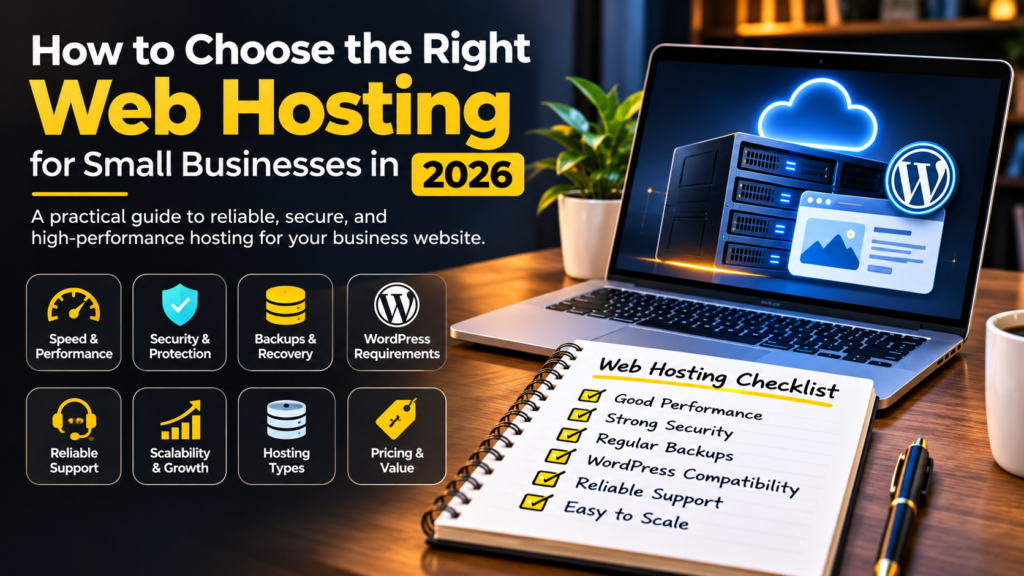
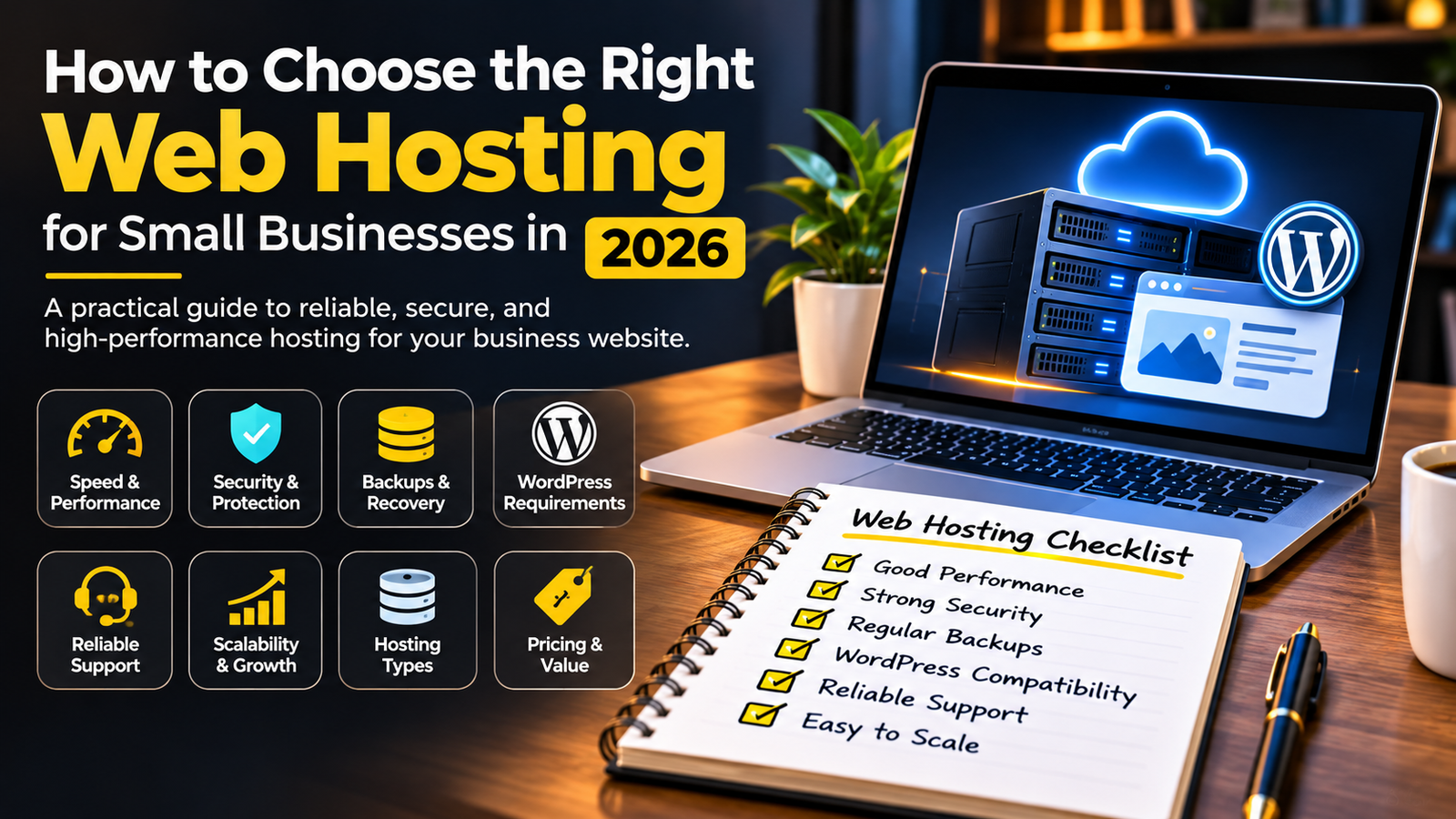
16. Web Hosting Checklist Before You Buy
Use this checklist when comparing hosting providers.
- Hosting type matches your website requirements.
- Current WordPress requirements are supported.
- Storage and server resources are sufficient.
- HTTPS is supported.
- Uptime terms are clearly explained.
- Security features are documented.
- Automatic backups are available.
- Restore procedures are clear.
- Customer support is accessible.
- Renewal pricing is understood.
- Domain and email arrangements are clear.
- Server location suits your audience.
- CDN options are available if needed.
- Staging and migration options are understood.
- Upgrade options are available.
Which Hosting Type Is Best for a Small Business?
There is no single hosting type that is best for every business.
Use your website requirements to narrow down the options.
| Website Type | Hosting to Consider |
|---|---|
| Basic business website | Quality shared hosting |
| Small WordPress website | Shared or managed WordPress hosting |
| Growing business website | Managed WordPress or VPS |
| WooCommerce store | Suitable managed WordPress, VPS, or cloud hosting |
| High-resource application | Cloud or dedicated infrastructure |
These are starting points, not fixed rules. Actual requirements depend on traffic, software, integrations, and workload.
Final Thoughts
Choosing the right web hosting is about finding a reliable foundation for your business website.
Don’t select a hosting plan simply because it has the lowest price or the biggest storage number.
Compare performance resources, WordPress compatibility, security, backups, support, renewal costs, and upgrade options.
For a small business, the best hosting plan is one that meets current needs without creating unnecessary technical or financial problems.
Choose hosting that supports your website today and gives your business room to grow tomorrow.