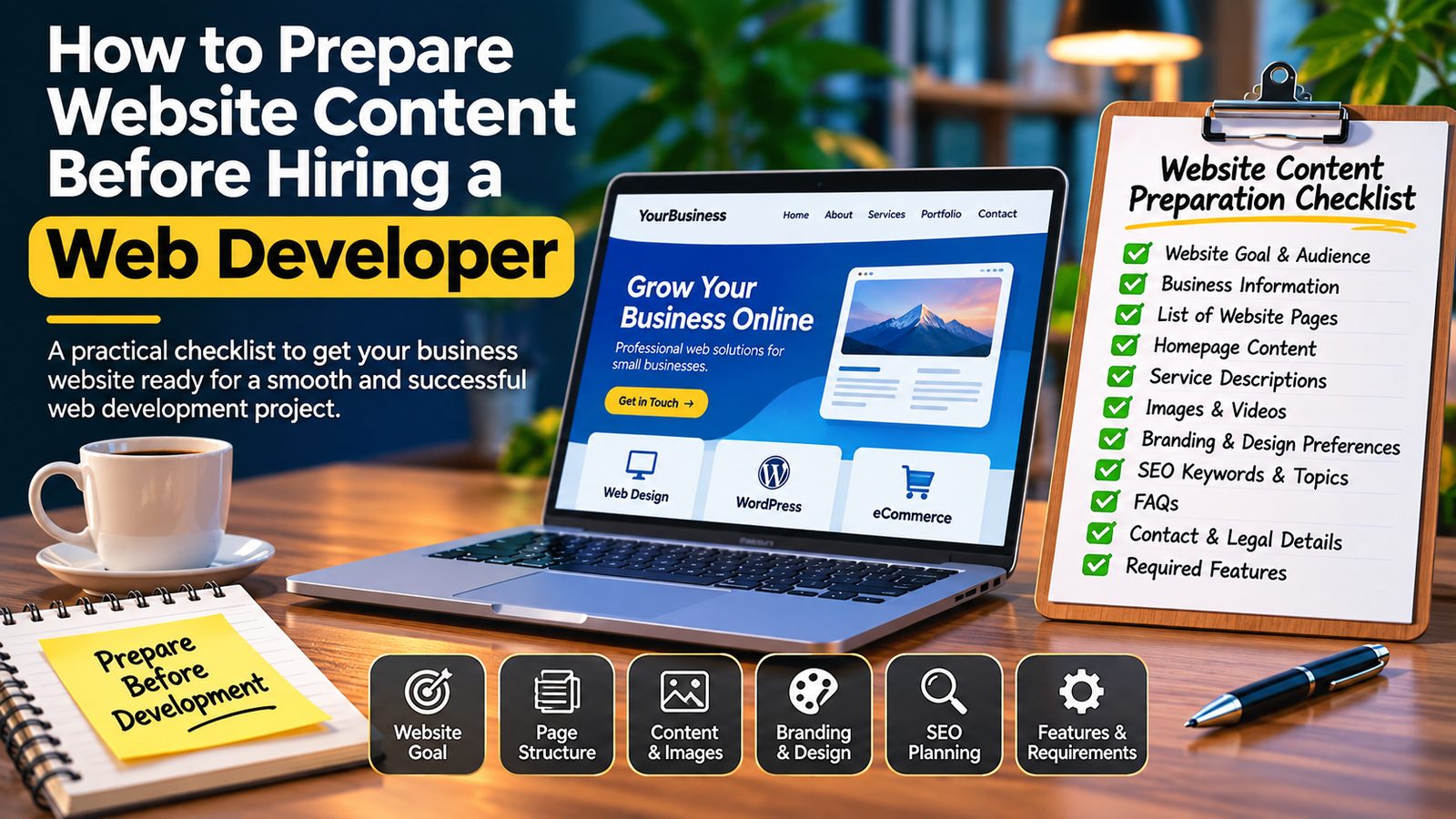
How to Prepare Website Content Before Hiring a Web Developer
Hiring a web developer is an important step when building a professional business website. But before the design and development process begins, there is one thing many business owners overlook: website content preparation.
A developer can create an attractive layout, build responsive pages, configure WordPress, and add useful functionality. However, your website still needs the right information to communicate what your business does and why customers should choose you.
When content is missing or unclear, projects can take longer, revisions can increase, and the final website may not communicate your business effectively.
Preparing your website content before hiring a web developer can make the entire project smoother.
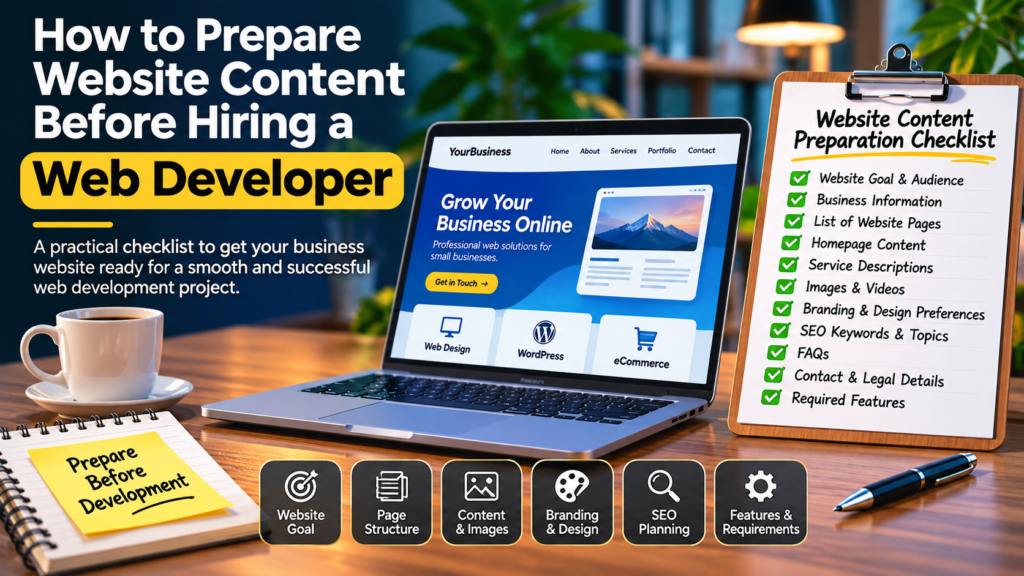
In this guide, you’ll learn what information, text, images, branding materials, and business requirements to prepare before starting your website project in 2026.
1. Define the Main Goal of Your Website
Before writing content or selecting images, decide what you want your website to accomplish.
Different businesses need different types of websites.
For example:
A service business may want more enquiries.
A consultant may want consultation bookings.
A restaurant may want reservations and menu views.
An online store may want product sales.
A freelancer may want to showcase projects and attract clients.
A local business may want more phone calls and location visits.
Write down the main purpose of your website.
Ask yourself:
Who will visit my website?
What information will they need?
What action should they take?
Which services or products should receive the most attention?
How will I measure whether the website is successful?
These answers help your developer understand the project before designing the pages.
2. Prepare Your Business Information
Your website should clearly explain who you are and what your business offers.
Prepare basic business information before development begins.
Information to Collect
Official business name.
Short business introduction.
Company background.
Business address, if applicable.
Phone number.
Business email.
Working hours.
Social media links.
Areas you serve.
Relevant business registration or professional details.
Make sure the information is accurate and consistent.
If your business operates in multiple locations, prepare the correct details for each location.
3. Create a List of Website Pages
Don’t start writing random content without deciding which pages your website needs.
Prepare a simple sitemap first.
A typical small business website may include:
| Page | Purpose |
|---|---|
| Home | Introduce the business |
| About | Explain the company and experience |
| Services | Present the main offerings |
| Individual Service Pages | Explain specific services |
| Portfolio | Showcase completed projects |
| Testimonials | Display genuine customer feedback |
| Blog | Publish useful information |
| Contact | Help visitors get in touch |
| Privacy Policy | Explain how personal information is handled |
You may not need every page listed above.
Choose pages based on your business model, customer needs, and website goals.
4. Prepare Your Homepage Content
The homepage is often the first page potential customers explore.
It should communicate your business clearly and guide visitors toward relevant information.
Main Headline
Write a short headline explaining what your business does.
For example:
Professional Website Design for Growing Businesses.
Supporting Description
Add a short paragraph explaining your services and target audience.
Main Services
List the most important services you want to promote.
Why Choose Your Business?
Explain your experience, approach, expertise, or other genuine advantages.
Call to Action
Decide what action visitors should take.
Examples:
Get a Free Quote.
Book a Consultation.
View Our Services.
Contact Our Team.
Homepage Images
Prepare relevant photographs, product images, or project visuals.
A clear content outline gives your developer a better understanding of how the homepage should be structured.
5. Write Detailed Service Descriptions
One of the biggest content preparation mistakes is providing only a list of service names.
Visitors need to understand what each service includes and how it can help them.
For every important service, prepare:
Service name.
Short introduction.
Customer problem.
What the service includes.
Your process.
Important features.
Relevant examples.
Frequently asked questions.
Appropriate call to action.
For example, instead of writing only “Website Development,” explain whether you provide WordPress websites, eCommerce stores, landing pages, custom functionality, or website redesign services.
Detailed service content also gives you more opportunities to create useful, search-focused pages.
6. Prepare Your About Page Information
The About page helps visitors understand the people and business behind the website.
You don’t need to write your entire life story.
Focus on information that helps customers understand your background and approach.
Consider including:
Your business introduction.
Years of experience, if accurate.
Your professional background.
Your approach to projects.
Relevant qualifications.
Team information.
Business values.
Genuine achievements.
Use a natural tone instead of filling the page with generic marketing statements.
The goal is to help visitors understand who they may be working with.
7. Collect High-Quality Images and Videos
Images are an important part of website content.
However, using random photographs can make a business website feel generic.
Prepare relevant visual assets before development.
Useful Images Include
Business logo.
Team photographs.
Office or workplace photographs.
Product images.
Service-related photographs.
Project screenshots.
Portfolio images.
Relevant illustrations.
Brand graphics.
Useful Videos Include
Company introduction videos.
Product demonstrations.
Service explanations.
Customer testimonials, with permission.
Project walkthroughs.
Make sure you have permission to use the images and videos you provide.
If you don’t have original photographs, discuss suitable licensed stock imagery with your developer.
8. Prepare Your Brand Identity
Your website should represent your business visually and consistently.
Before development, collect your existing branding materials.
Branding Checklist
Logo files.
Brand colors.
Typography preferences.
Brand guidelines, if available.
Business name formatting.
Icon or graphic assets.
Preferred visual style.
Examples of websites you like.
If you don’t have a formal brand guide, provide a few examples of designs you like and explain what you prefer about them.
For example, you might prefer:
Minimal design.
Dark backgrounds.
Light and clean layouts.
Bold typography.
Corporate styling.
Creative layouts.
Premium visual presentation.
These references help your developer understand your expectations.
9. Research Your Target Audience
Your website content should speak to the people you want to attract.
Think about the customers who are most likely to need your services or products.
Ask yourself:
What type of customers do I want?
What problems do they face?
What questions do they ask before buying?
What information helps them make a decision?
What concerns might prevent them from contacting me?
For example, someone looking for a website developer may want to know about project cost, delivery time, WordPress experience, website maintenance, and post-launch support.
Addressing these questions can make your website more useful.
10. Research Competitor Websites
Looking at competitor websites can help you understand how businesses in your industry present their services.
Don’t copy another website’s design or content.
Instead, study:
Homepage structure.
Service page organization.
Navigation.
Content presentation.
Contact options.
Portfolio layouts.
Customer information.
Frequently asked questions.
Make a note of what works well and what you would improve.
You can also identify information that competitors haven’t explained clearly.
Use that insight to make your own website more useful and distinctive.
11. Prepare Your SEO Keywords and Topics
SEO planning should begin before the website structure is finalized.
Prepare a list of important services, products, and topics that potential customers may search for.
For example, a web development business might target topics such as:
WordPress Website Development.
Website Design Services.
eCommerce Website Development.
Website Redesign.
Website Maintenance.
Website Speed Optimization.
Group related search topics into appropriate pages.
Avoid creating a separate page for every slightly different keyword. Each page should have a distinct purpose and useful content.
You should also prepare:
Page titles.
Meta descriptions.
Suggested URLs.
Main headings.
Relevant internal linking ideas.
Image descriptions.
Your developer can then implement the technical structure while you focus on providing accurate business information.
12. Prepare Your Frequently Asked Questions
Customers often have questions before contacting a business.
Collect the questions you hear most frequently.
For a web development company, examples might include:
How long does website development take?
Do you provide WordPress websites?
Can I update my website myself?
Do you provide website maintenance?
Is SEO included in website development?
Can you redesign an existing website?
What information do you need to start a project?
Write clear, honest answers.
Avoid making guarantees that your business cannot consistently deliver.
A useful FAQ section can reduce uncertainty and help visitors decide whether your services are suitable.
13. Decide Which Calls to Action You Need
A website should make the next step clear.
Decide how visitors should contact or interact with your business.
Possible actions include:
Call Now.
WhatsApp Us.
Request a Quote.
Book an Appointment.
Send an Enquiry.
Download a Brochure.
View Our Portfolio.
Different pages may need different CTAs.
For example, a service page may use “Request a Quote,” while a portfolio page may use “Start Your Project.”
Prepare the correct phone numbers, email addresses, booking links, and other destinations before development.
14. Prepare Your Contact and Business Details
Your contact page should make it easy for customers to reach you.
Prepare:
Business phone number.
Contact email.
Office address, if applicable.
Business hours.
Google Maps location, if relevant.
WhatsApp number, if used.
Social media profiles.
Enquiry form requirements.
Check that all information is current.
If you have different contact details for different departments, explain how they should be displayed.
15. Prepare Legal and Privacy Information
Depending on your business, location, website functionality, and applicable regulations, you may need certain legal and privacy-related documents.
These may include:
Privacy Policy.
Terms and Conditions.
Cookie information.
Refund or cancellation policy.
Shipping and delivery policy.
Appropriate business disclosures.
If your website collects personal information through forms, accounts, analytics, or payments, explain what information is collected and how it is handled.
Get appropriate legal advice where necessary. A developer can implement approved documents, but shouldn’t be expected to determine your legal obligations.
16. Decide Which Website Features You Need
Before development starts, list the functionality your website requires.
Examples include:
Contact forms.
WhatsApp integration.
Online booking.
Payment gateways.
Customer accounts.
Product catalogues.
Shopping carts.
Live chat.
Newsletter subscriptions.
Search functionality.
CRM integrations.
Multilingual support.
Explain how each feature should work.
For example, if you need an appointment booking system, decide whether customers should select dates, choose time slots, receive confirmation emails, and make payments.
Clear requirements help avoid unnecessary changes during development.
17. Prepare Your Domain and Hosting Information
If you already own a domain or hosting account, collect the relevant details.
Prepare:
Domain registrar information.
Hosting provider details.
Existing website access.
WordPress administrator access, if applicable.
Business email configuration details.
Backup availability.
Existing website migration requirements.
Never send passwords through unsecured public messages.
Use a secure method to share access with your developer and provide only the permissions required for the work.
If you don’t have a domain or hosting account, discuss suitable options before development begins.
18. Organize Your Content in One Place
Sending website information through dozens of scattered messages can make a project harder to manage.
Create a central folder for your website content.
A simple folder structure might look like this:
Website Project
01 – Business Information
02 – Logo and Branding
03 – Homepage Content
04 – About Page
05 – Services
06 – Images and Videos
07 – Portfolio
08 – Testimonials
09 – SEO Information
10 – Legal Documents
Use clear file names and mark content that is still incomplete.
This makes it easier for you and your developer to find the right information.
19. Create a Realistic Project Timeline
Content preparation can affect how quickly a website project moves forward.
Before development begins, agree on a project schedule.
| Project Stage | Main Activity |
|---|---|
| Discovery | Understand business requirements |
| Planning | Sitemap and content structure |
| Content Preparation | Text, images, and branding |
| Design | Homepage and page layouts |
| Development | Website building and functionality |
| Testing | Mobile, forms, links, and performance |
| Launch | Domain connection and publication |
Agree on who is responsible for providing content, reviewing designs, and approving changes.
This helps reduce confusion and unnecessary delays.
20. Common Mistakes to Avoid Before Hiring a Web Developer
Avoid these common mistakes when preparing your website project.
No Clear Website Goal
Starting without a defined purpose can lead to an unfocused website.
Missing Content
Incomplete text can delay page design and development.
Low-Quality Images
Poor visuals can reduce the overall presentation.
Unclear Service Descriptions
Visitors may struggle to understand what your business offers.
No SEO Planning
Important pages may be missed during website structure planning.
Too Many Design References
Providing unrelated examples without explaining your preferences can create confusion.
Changing Requirements Repeatedly
Frequent changes can affect project timelines and budgets.
Missing Functionality Details
Your developer may not know how forms, bookings, payments, or integrations should work.
No Content Owner
If nobody is responsible for approving content, the project can become delayed.
Final Thoughts
Preparing website content before hiring a web developer can make your project more organized and productive.
You don’t need to have every word perfectly written before contacting a developer. However, having a clear business goal, page structure, service information, branding materials, and functionality requirements makes a big difference.
It helps your developer understand your expectations, plan the website more accurately, and create a design that supports your business goals.
Start with the essentials, organize your materials, and work with your developer to refine the content during the project.
A successful website doesn’t begin with design alone. It begins with a clear plan, useful content, and a shared understanding of what the business needs.